
-
 Infinity Media
- 2 Min Read
Uba Ussd Code In Nigeria: Easy Banking With Uba Ussd Code
Banking doesn’t always require a smartphone or internet connection. With the UBA USSD code, you can perform essential banking transactions using any mobile phone. This service is fast, secure, and works across all mobile networks in Nigeria.
In this guide, you’ll learn the official UBA USSD code, how to register, available transactions, charges, and helpful tips for smooth banking.
What Is UBA USSD Banking?
UBA USSD banking is a mobile banking service that allows customers to access their accounts by dialing a shortcode on their phone. It works on both smartphones and feature phones and does not require internet access.
As long as your phone number is linked to your UBA account, you can use the service anytime.
Official UBA USSD Code
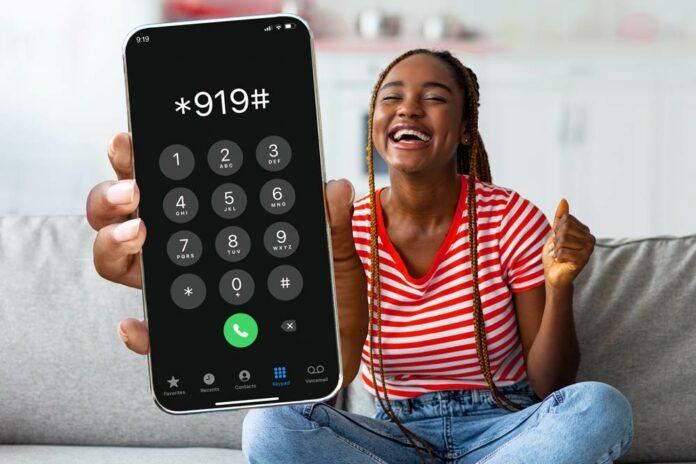
The official UBA USSD code in Nigeria is:
*919#
This shortcode gives you access to multiple banking options through a simple menu.
How to Register for UBA USSD Banking
Before using the service, you need to activate it on your phone.
Registration Steps
-
Dial
*919*0# -
Enter your UBA account number
-
Create a 4-digit USSD PIN
-
Confirm the PIN to complete registration
Once registered, you can start using *919# immediately.
Services You Can Perform with UBA USSD Code
1. Check Account Balance
-
Dial
*919*00#
Your balance will appear on your screen within seconds.
2. Transfer Money to UBA Accounts
-
Dial
*919*Amount*AccountNumber#
Example:*919*5000*1234567890#
3. Transfer Money to Other Banks
-
Dial
*919*Amount*AccountNumber# -
Select the recipient’s bank when prompted
4. Buy Airtime for Yourself
-
Dial
*919*Amount#
5. Buy Airtime for Others
-
Dial
*919*Amount*PhoneNumber#
6. Pay Bills and Subscriptions
You can pay for:
-
Electricity bills
-
Cable TV subscriptions
-
Other supported services
7. Change Your USSD PIN
-
Dial
*919*00# -
Follow the prompts to change your PIN
Benefits of Using UBA USSD Banking
-
Works without internet
-
Compatible with all mobile phones
-
Available 24/7
-
Secure with PIN protection
-
Fast and convenient
Charges for UBA USSD Transactions
Most USSD transactions attract a small service charge, depending on the transaction type. Charges are deducted directly from your account or airtime balance.
Important Tips for Using UBA USSD Code
-
Use the USSD code only on the phone number linked to your account
-
Never share your USSD PIN with anyone
-
Ensure your phone has network signal
-
Cancel the USSD session if a transaction fails
What to Do If UBA USSD Code Is Not Working
If *919# is not working:
-
Confirm your phone number is linked to your UBA account
-
Ensure your SIM card is active
-
Restart your phone and try again
-
Contact UBA customer care for assistance
Final Thoughts
The UBA USSD code makes banking simple and accessible for everyone in Nigeria. Whether you want to transfer money, buy airtime, or check your balance, *919# allows you to do it quickly without internet access.
If you’re a UBA customer, activating USSD banking is a smart way to enjoy stress-free banking anytime, anywhere.