
-
 Infinity Media
- 2 Min Read
How To Check Your Bvn On Uba (Mobile App, Ussd & Online)
If you’re a United Bank for Africa (UBA) customer and need to find your Bank Verification Number (BVN), you no longer have to visit a bank branch to retrieve it. UBA offers simple and fast ways to check your BVN using your phone — whether you’re offline or online.
In this guide, we’ll walk you through three easy methods you can use:
-
Checking via USSD code
-
Using the UBA mobile app
-
Through online banking
Before we begin, make sure:
-
You’ve already registered for BVN (this must be done at a bank branch first).
-
You are using the phone number linked to your UBA account.
What Is BVN?
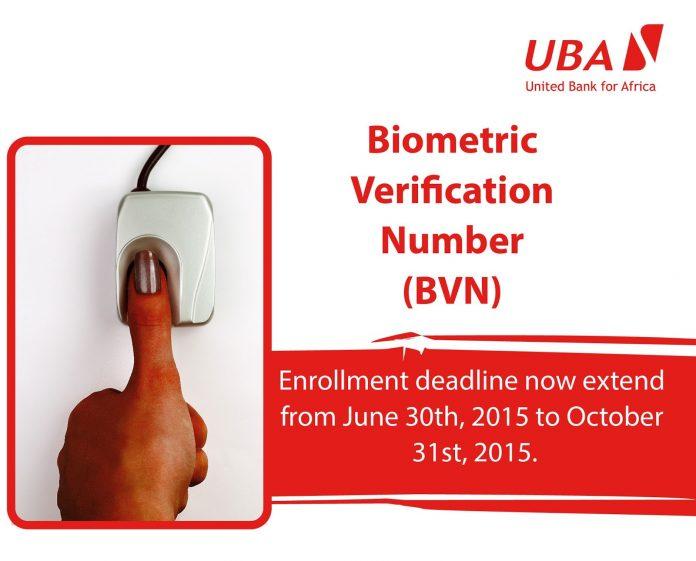
BVN stands for Bank Verification Number — a unique 11-digit number issued to every bank customer in Nigeria. It acts as a secure digital ID that links all your bank accounts across the country, improving security and reducing fraud in the financial system.
1. Check BVN Using USSD Code
This method works on any mobile phone — even without internet — as long as the SIM is registered with your bank account.
Option A: CBN General BVN Code
-
On your registered phone number, dial:
*565*0# -
Approve the prompt to confirm the charge (a small fee may apply).
-
Your BVN will appear on the screen.
This code is universal and works across all Nigerian banks.
Option B: UBA USSD Code
-
Dial:
*919# -
Choose the inquiry option.
-
Select BVN inquiry and enter your mobile PIN.
-
Your BVN will be displayed.
💡 If you experience network delays or the process fails, wait a few minutes and try again.
2. Check BVN Using the UBA Mobile App
If you prefer an online method and have internet access, checking your BVN in the UBA app is quick and free.
Steps:
-
Download the UBA mobile app from Google Play (Android) or the App Store (iOS).
-
Log in with your UBA credentials.
-
Tap your profile icon or go to your account information section.
-
Scroll down to the security information section — your BVN will be displayed there.
This method works best if you’re connected to the internet, and it’s ideal for users with smartphones.
3. Check BVN Online (Web Banking)
Some users may also check their BVN via UBA’s internet banking portal by logging into their account online. Once logged in, the BVN usually appears in the account profile or security information section within the dashboard.
Important Tips
-
You cannot register for BVN twice — once your BVN has been issued, it stays linked to your identity for life.
-
If you haven’t enrolled for BVN before, you must visit a UBA branch with a valid ID to get your BVN captured first.
-
Always protect your BVN and personal data — do not share it with unauthorized parties.
Conclusion
Checking your BVN on UBA is easier than ever. Whether you choose a USSD code, mobile app, or online banking, you can retrieve your BVN quickly and securely. These methods save time, give you instant access to your BVN, and eliminate the need to visit a physical bank branch.
Use the one that fits your situation best and always make sure you are using the phone number linked to your UBA account.